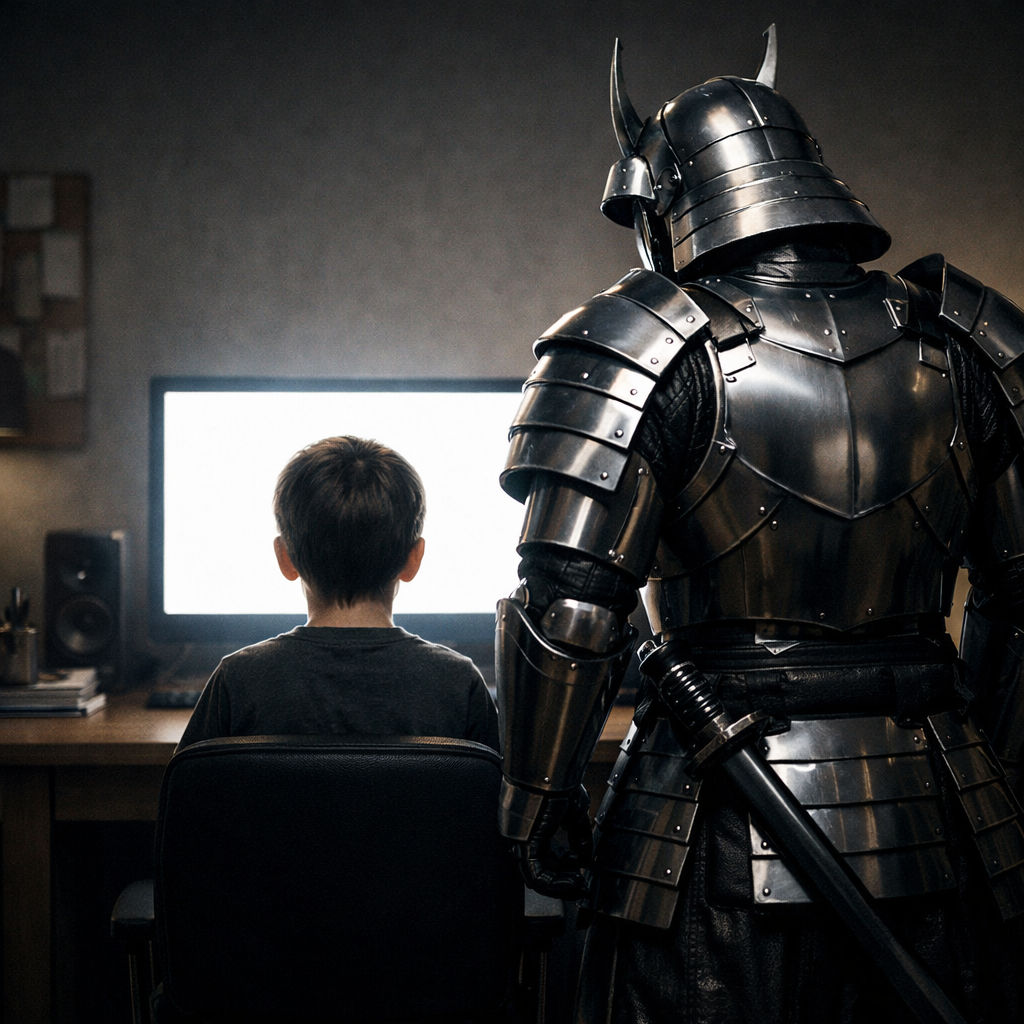
Your kids face dangers online you never imagined. Predators. Pornography. Cyberbullying. Gaming addiction. You can't watch every screen—but SamurEye can.
of parents worry about their child's online safety
average age children first exposed to pornography
daily screen time for average teenager
The threats your children face every time they go online...
Your 10-year-old searches "funny cats" and ends up three clicks away from hardcore content. Pop-ups. Ads. "Recommended" videos. The internet doesn't care about innocence. One wrong click can shatter their childhood.
Gaming chats. Discord servers. Instagram DMs. TikTok comments. They're everywhere, grooming kids with compliments and attention. By the time you find out, it might be too late.
Fortnite until 3 AM. Grades plummeting. Friends disappearing. They're losing months—years—to virtual worlds while real life passes them by. You've tried taking away the console. It doesn't work.
Group chats attacking them. Fake accounts spreading rumors. Comments calling them worthless. They're suffering in silence, scrolling through hate while you're in the next room, unaware. Social media is destroying their self-worth.
You've tried parental controls. They found VPNs. You blocked websites. They switched to incognito. You took away their phone. They used their friend's. Traditional tools are useless against a determined teen.
SamurEye isn't another filter your tech-savvy teen will disable in 5 minutes. It's an intelligent guardian that watches every screen in your home—and alerts you instantly.
Add a SamurEye for each family member who needs protection. Works on computers, tablets & phones (if placed in view of the camera), gaming consoles, and TVs. Desktop Mode for instant setup or Hardware Mode for unhackable monitoring.
Configure what each SamurEye watches for: adult content, gaming addiction, late-night activity, social media risks, and more. Customize alerts for each child's age and needs.
When SamurEye detects concerning content or behavior, you get an immediate alert with a screenshot. You're no longer guessing what they're seeing—you know.
Detects Adult Content
Detects and alerts on pornography—even in incognito mode or through VPNs
Encourages Focused Learning
Keeps attention on homework, projects, and productive tasks—not distractions
Monitors Gaming Activity
Track excessive gaming sessions and late-night play
Social Media Protection
Detect cyberbullying, predator contact, and harmful interactions
Mental Health Monitoring
Optional alerts for concerning search patterns or self-harm content
Multi-Device Coverage
Computers, tablets & phones (if placed in view of the camera), game consoles, and TVs—all protected
Traditional parental controls fail. Here's why SamurEye is different.
You only see alerts when concerning content is detected. We don't record everything—we protect without invading privacy.
One subscription protects your entire family. Add SamurEyes for each child, customize settings individually.
Monitor all devices from one dashboard. Get instant alerts on your phone. Review activity history anytime.
One subscription covers both Desktop Mode and Hardware Mode for each family member. Start with as many as you need.
Each SamurEye protects one family member's devices. Switch between Desktop Mode (browser-based) or Hardware Mode (webcam-based) for each child. Perfect for protecting computers, tablets & phones (if placed in view of the camera), game consoles, and TVs.
Select the number of family members to protect
Try SamurEye risk-free with your entire family. If you're not completely satisfied within 14 days, we'll refund every penny. Your family's safety is our mission.
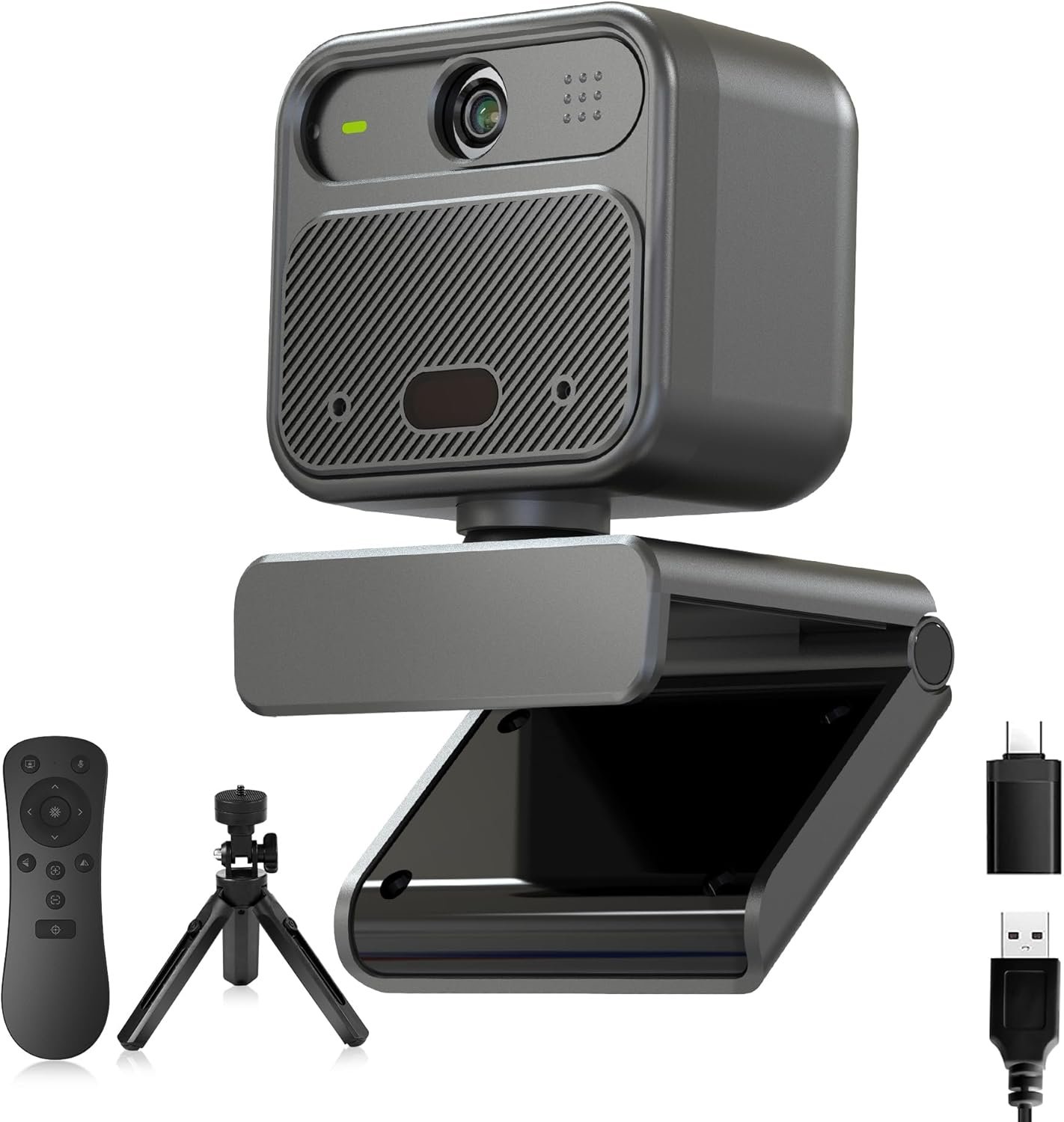
Want to monitor your child's Xbox, PlayStation, or Smart TV? Hardware Mode uses an external camera that physically cannot be disabled by software tricks. Perfect for gaming consoles and living room screens.
Sony 4K Ultra HD Sensor
Crystal clear monitoring even from across the room
Remote Focus Control
Adjust from your phone—no need to physically touch it
Works Instantly
Plug in and start protecting—no technical setup required
For families: You need one 4K webcam per family member you want to monitor in Hardware Mode. Desktop Mode (computers/laptops) requires no additional hardware.
Everything parents need to know
No. Unlike traditional parental controls that run on the device (and can be disabled), SamurEye monitors the actual screen. In Desktop Mode, it sees everything displayed—even in incognito mode or through VPNs. In Hardware Mode, it's a physical camera watching the screen that's completely separate from the computer, making it impossible to bypass with software tricks.
No. SamurEye only alerts you when concerning content is detected. You're not watching a 24/7 feed of everything they do. If they're doing homework, chatting with friends, or watching appropriate YouTube videos, you'll never know. You only get notified about actual problems—porn, excessive gaming, cyberbullying, predator contact, etc.
Desktop Mode: Any computer or laptop (Windows, Mac, Chromebook). Works through the browser—no software installation required.
Hardware Mode: Literally anything with a screen—Xbox, PlayStation, Nintendo Switch, Smart TVs, tablets & phones (if placed in view of the camera). The 4K webcam watches the physical screen.
Each SamurEye has its own settings. For your 8-year-old, you might enable strict content filtering and gaming limits. For your 16-year-old, you might focus only on pornography and predator protection. You customize each one independently based on age and maturity level.
SamurEye protects the devices in your home where most digital activity happens. While no system can control what they do at a friend's house, having protection at home (where 90%+ of their screen time occurs) dramatically reduces exposure. Think of it like a home security system—it doesn't protect them everywhere, but it protects where they spend most of their time.
Absolutely. We use bank-level encryption. SamurEye analyzes screens in real-time using AI and only captures screenshots when concerning content is detected. These are encrypted and only visible to the parent account. We never sell data, never share it with third parties, and you can delete everything at any time.
We recommend transparency. Most families find that openly explaining "we're using protection software to keep you safe online" actually improves trust and reduces rebellion. It's like having a security system at home—everyone knows it's there, and that knowledge itself is protective. However, the choice is yours based on your family dynamics.